
Amonbet Registration in the United Kingdom
Create an account on Amonbet and access a full sportsbook alongside hundreds of casino titles, including slots, live dealer games, and table games. New players in the UK can claim a welcome bonus of 100% up to £1,000 plus 100 free spins on their first deposit. The sign-up process takes under two minutes, with multiple registration options available including one-click, email, phone number, and social media. Once registered, you can deposit funds, place bets, and request withdrawals directly from your personal account.
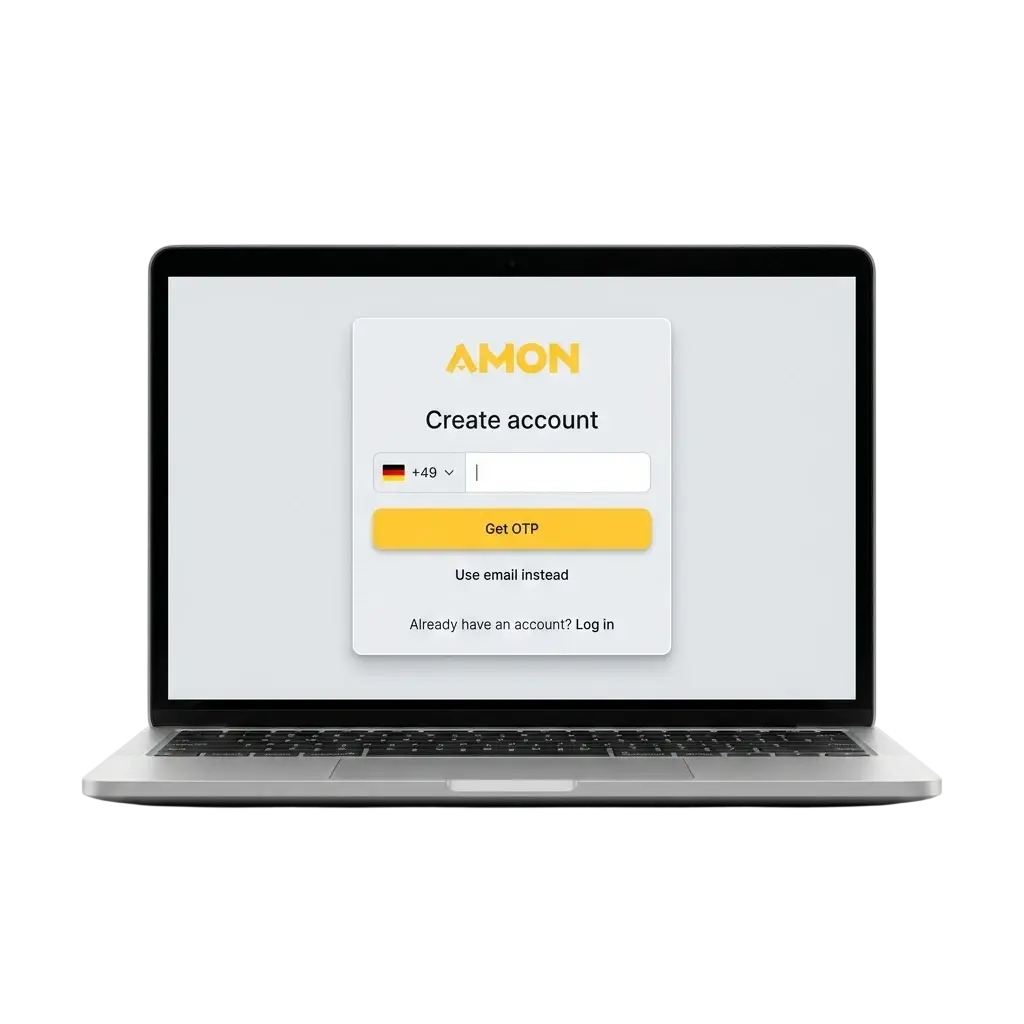
All Available Registration Options on Amonbet
Amonbet offers four ways to create a new account, so you can choose whichever method suits you best. Each option is accessible directly from the registration page on the official site. The available methods are:
- One-click registration;
- Registration by phone number;
- Registration by email;
- Registration via social media account.
One-Click Registration
One-click is the fastest way to complete the Amonbet sign-up process. It requires minimal input at the time of registration, with additional details added later in your account profile.
- Go to the Amonbet website and click the “Register” button.
- Select the “One-Click” tab on the registration form.
- Choose your preferred currency (GBP is available for UK players).
- Tick the box confirming you agree to the Terms and Conditions.
- Click “Register” to create your account instantly.
Registration by Phone Number
Registering by phone number links your account directly to your mobile, making login straightforward. A verification code is sent to your number to confirm ownership.
- Click the "Register" button on the Amonbet homepage.
- Select the "Phone" tab from the registration options.
- Enter your mobile number, including the UK country code (+44).
- Enter the SMS verification code sent to your phone.
- Set a password and select your preferred currency to complete the process.
Registration by Email
Email registration is a standard method that keeps your account tied to a recoverable address. This option is recommended if you prefer email-based account access and notifications.
- Click "Register" on the Amonbet site and select the "Email" tab.
- Enter a valid email address and create a secure password.
- Select GBP as your currency if you are depositing in pounds.
- Agree to the Terms and Conditions and click "Register".
- Open the confirmation email from Amonbet and click the verification link.
Registration via Social Media
Social media registration lets you create an account using an existing Google or social profile, eliminating the need to set a new password. Your profile data is imported automatically to pre-fill basic registration fields.
- Click "Register" on the Amonbet homepage.
- Select your preferred social media or Google option from the available icons.
- Authorise Amonbet to access your account details via the social platform's confirmation screen.
- Select GBP as your preferred currency.
- Confirm registration to activate your new Amonbet account.
Register via the Amonbet Mobile App
The Amonbet app delivers the full registration experience on Android and iOS devices, with a layout optimised for touchscreen navigation. If no dedicated app is available for your device, you can access the same functionality through the mobile browser version, which adapts automatically to your screen. The steps below cover registration through the app:
- Download the app. Visit the Amonbet website on your mobile device, navigate to the app download section, and install the Android APK or locate the iOS app via the App Store.
- Open the app and tap “Register”. Launch the app after installation and tap the registration button on the home screen.
- Choose your registration method. Select from one-click, phone number, email, or social media to proceed with your preferred option.
- Fill in your details. Enter the required information for your chosen method, select GBP as your currency, and agree to the Terms and Conditions.
- Confirm your account. Complete any verification step required by your chosen method (such as an SMS code or email confirmation) to activate your account.
Account Registration Requirements at Amonbet
To register online at Amonbet, you must meet specific eligibility criteria set by the platform and applicable UK regulations. All players must be at least 18 years of age, as Amonbet does not permit underage gambling in any form. Only one account per person is permitted; duplicate accounts may result in suspension. You must provide accurate personal details during registration, as these are used during the KYC (Know Your Customer) verification process.
- You must be 18 years of age or older to create an account;
- Only one account per individual is allowed across the entire platform;
- You must provide truthful and accurate personal information during sign-up;
- You must be physically located in a jurisdiction where Amonbet holds a valid operating licence;
- You must agree to the Amonbet Terms and Conditions before completing registration.
Log In to Your Amonbet Account
Once your account is created, accessing it takes only a few seconds from the homepage. Follow the steps below to sign in:
- Click the “Login” button located in the top right corner of the Amonbet homepage.
- Enter the credentials linked to your chosen registration method: your email address and password, your phone number and password, or use your social media account for direct access.
- Click “Sign In” to enter your account dashboard.
- If you have two-factor authentication enabled, enter the code sent to your registered phone or email to complete the login.
Account Verification Process at Amonbet
Verification is the KYC process Amonbet uses to confirm your identity and protect your account. It is a standard requirement across all regulated gambling platforms operating in the UK. Completing verification is necessary before you can process withdrawals or access certain account features. The process typically takes up to 24 hours once all required documents are submitted.
- Log in to your account and navigate to the profile or verification section of your personal account area.
- Submit proof of identity. Upload a valid government-issued document such as a UK passport or driving licence.
- Submit proof of address. Provide a recent utility bill, bank statement, or council tax letter dated within the last 3 months, showing your full name and address.
- Verify your payment method. Depending on your deposit method, you may need to provide a screenshot or scan of the card or e-wallet used.
- Await confirmation. Amonbet’s team reviews submitted documents and sends a confirmation to your registered email address once verification is complete.
Welcome Bonuses for New Players in the United Kingdom
New players at Amonbet can claim a welcome bonus of 100% up to £1,000 plus 100 free spins on their first deposit. The offer is available upon completing registration and making your first qualifying deposit. Check the promotions page for the most current bonus terms, including any sport-specific welcome offers that may run alongside the main casino bonus.
Casino Welcome Bonus: 100% up to £1,000 + 100 Free Spins
The casino welcome bonus at Amonbet matches your first deposit by 100%, up to a maximum of £1,000, and adds 100 free spins to your account. The free spins are credited to eligible slot titles as specified in the current promotion terms.
| Detail | Information |
|---|---|
| Bonus Size | 100% match up to £1,000 + 100 FS |
| How to Claim | Register, make your first deposit, and opt in via the promotions or deposit page |
| Minimum Deposit | Check the promotions page for the current minimum deposit requirement |
| Wagering Requirements | Refer to the Amonbet bonus terms for the applicable wagering multiplier |
| Free Spins | 100 spins credited on eligible slot games |
Common Registration Problems and Solutions at Amonbet
A small number of users encounter issues during the sign-up process. The table below lists the most frequent problems and the corresponding steps to resolve them.
| Problem | Solution |
|---|---|
| SMS verification code not received | Check that the country code (+44 for UK) is entered correctly; wait 60 seconds and request a new code |
| Email confirmation link not arriving | Check your spam or junk folder; add Amonbet to your safe senders list and request a new confirmation email |
| “Email already registered” error | An account with that address already exists; use the password recovery option on the login page to regain access |
| Registration form not submitting | Ensure all mandatory fields are completed and that your browser is up to date; try a different browser or clear your cache |
| Social media login not connecting | Confirm that your social media account has a verified email address attached and that third-party app permissions are enabled |
Deleting Your Personal Account
You may wish to close your account permanently for personal reasons or as part of a self-exclusion decision. Account deletion at Amonbet is handled through customer support to ensure compliance with responsible gambling obligations.
- Log in to your account and navigate to the responsible gambling or account settings section to check whether a self-service closure option is available.
- If no self-service option is present, contact Amonbet customer support via live chat or email, clearly stating your request to permanently delete your account.
- Complete any identity confirmation steps requested by the support team to authorise the account closure.
- Await written confirmation from Amonbet that your account has been fully closed and your data processed in line with their privacy policy.
Frequently Asked Questions About Amonbet Registration
Can I register on Amonbet if I am based in the United Kingdom?
Yes. Amonbet accepts players from the UK. You must be 18 or older and comply with all applicable local gambling regulations to create an account.
How long does the registration process take?
The one-click method takes under one minute. Email and phone registration typically take two to three minutes, including the verification step.
Do I need to verify my account before making a deposit?
You can deposit before completing full KYC verification. However, withdrawals are only processed after your identity documents have been reviewed and approved.
Can I change my registered currency after sign-up?
No. Your account currency is set during registration and cannot be changed afterwards. UK players should select GBP at the point of sign-up.
Is it possible to have more than one Amonbet account?
No. Each individual is permitted one account only. Operating multiple accounts violates the platform’s terms and may result in all associated accounts being suspended.
Updated: